
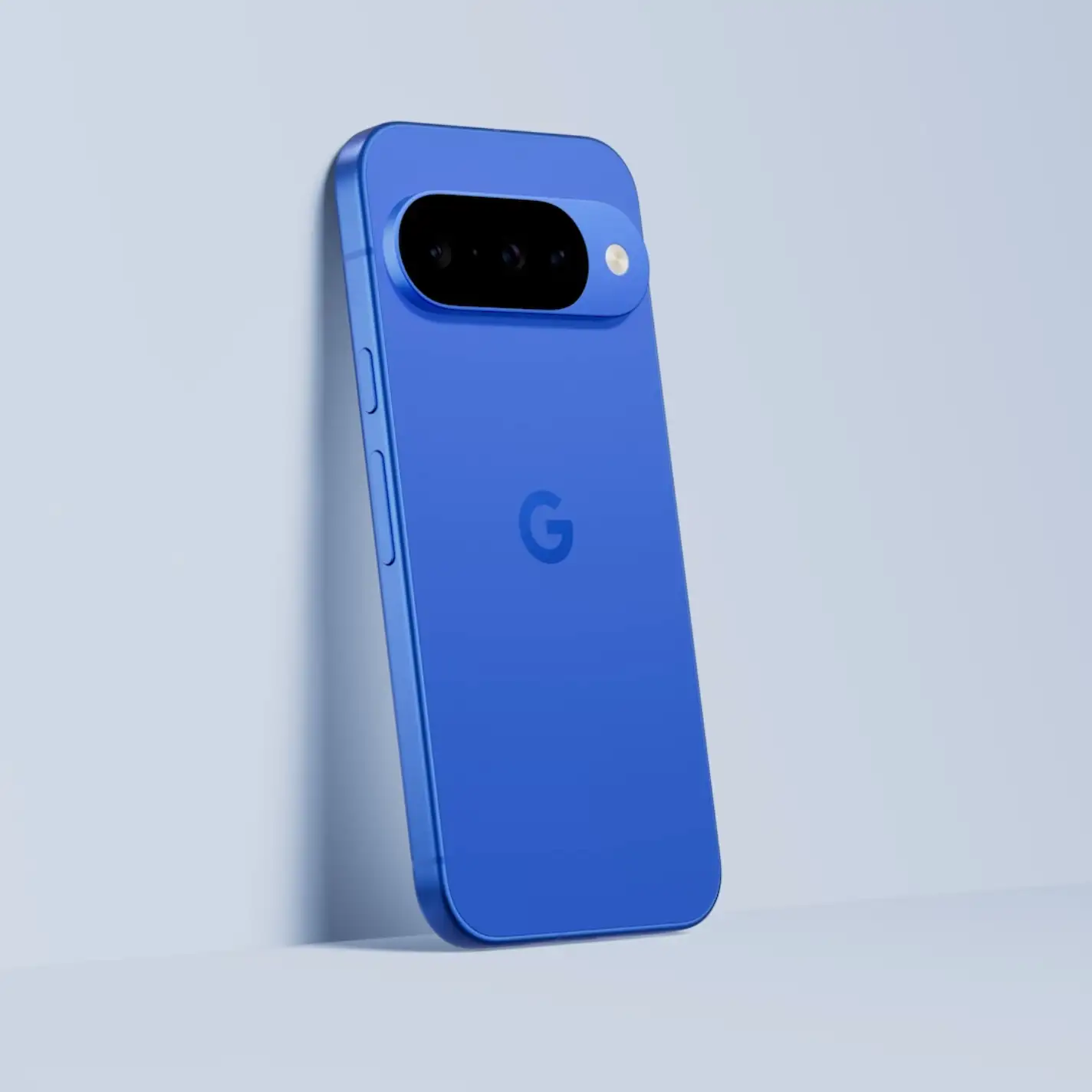
That new smartphone ad feels personally targeted. It promises impossible camera zooms and blazing speeds, making your current device feel like a relic from a bygone era. You feel the pressure. Your phone's battery doesn't hold a charge like it used to, and there's a nagging worry in the back of your mind: Is it about to die, leaving you with an expensive, unplanned bill? This uncertainty is exactly what manufacturers count on. But what if the lifespan of your phone isn't a mystery? What if you could predict its expiration date and take back control?
In a Nutshell
- Software is the New Lifespan: Forget hardware failure. Your phone is usable for as long as it gets security updates. For top brands like Google, Samsung, and Apple, this is now an impressive 5 to 8 years.
- The Battery is the First to Go: The most common reason a phone feels old after 2-3 years is a weak battery. A simple battery replacement, often costing around $90, can make it feel new again.
- The Sweet Spot is 3-4 Years: Most people upgrade when the battery is frustrating and the performance starts to lag on newer apps. Holding on longer is the single best way to save significant money.
Your Phone's True Expiration Date
In 2026, a smartphone's lifespan is primarily determined by its software support window, not its physical hardware. Major manufacturers now guarantee five to eight years of security updates, effectively defining how long the device remains safe and fully functional for critical tasks like online banking and communication.
For years, the industry pushed a two-year upgrade cycle. That time is long gone. The single most important factor for phone longevity today is the manufacturer's software update promise. Think of it this way: if a company guarantees seven years of security patches, they're essentially selling you a seven-year device. The hardware can keep up. One recent industry analysis I've seen confirms a major market shift; observing purchase patterns over the last few quarters reveals consumers are holding onto devices for an average of 3.5 years, up from 2.5 just a few years ago. This is because Your Phone's Security Is a Myth in 2026 if it stops getting these critical patches.
Here’s a simplified timeline of what you can expect from a modern smartphone:
Typical Smartphone Aging Timeline
Years 1-3
Years 1-4
Years 1-7+
Decoding Your Phone's Mid-Life Crisis
The phone doesn't just die one day. It ages. This slow decline is filled with daily frustrations designed to push you toward an upgrade you might not actually need.
The Two-Year Battery Warning
That feeling is all too real. "The worst part about my old phone was the battery," one user shared. "It would die by 2 PM every day. A new phone was worth it just to not have that stress anymore." This is the first and most common sign of aging. After about 500 charge cycles, which for most people is about two years, a lithium-ion battery's ability to hold a charge noticeably drops. It's not a defect. It's chemistry.
The industry has seen a massive push for bigger batteries, with some experimental models even testing 10,000mAh phones. But for your current device, a simple battery swap can often give you another two years of happy use for a fraction of the cost of a new phone.
Year Four Performance Pains
Around the four-year mark, you'll start to feel the slowdown. The camera takes an extra second to open. Swiping between apps feels sluggish. Demanding new games might stutter or refuse to run well.
As one expert from Consumer Technology Weekly noted, "For most people, year four is the tipping point. The battery is weak… and the performance gap to new mid-range phones becomes too large to ignore." This is because the apps themselves, and the operating system, have become more demanding than your older hardware was designed to handle.
Death by a Thousand Annoyances
Sometimes, it's not one big thing. It's the little failures that drive you to upgrade. "My phone's charging port got loose and unreliable," a frustrated user explained. "Between that and the slow camera, it was just too annoying to use every day, even though it technically still worked."
These small hardware failures—a weak vibration motor, a crackling earpiece, or a loose port—rarely happen in the first couple of years but become more common later. Before you toss the device, remember that a simple cleaning might fix more than you think. A surprising amount of pocket lint can build up, and it's worth learning how to clean your phone without causing damage.
Smart Upgrade Math: When a New Phone Makes Sense
Deciding when to upgrade is a financial calculation, not just a technical one. You need to weigh the cost of a new device against the declining value and functionality of your old one.
The Old Flagship vs. New Mid-Range Dilemma
A common trap is comparing your four-year-old flagship to the latest $1200 model. The real question for a budget-conscious person is this: is my old premium phone better than a brand new $450 phone?
Often, the answer is no. A 2026 mid-range phone might have a more vibrant 120Hz display, a much larger battery, and a more versatile camera system than a high-end phone from 2022. It offers a completely fresh experience for a fraction of the flagship cost.
App Incompatibility: The Hidden Deadline
Even if your phone still gets security updates, there's another deadline looming. App developers. At some point, the maker of your banking app or your favorite social media platform will stop supporting older versions of Android or iOS. This can happen suddenly, leaving a critical part of your digital life inaccessible on your old device.
Your Final Upgrade Checklist
I know what you're thinking: "This is a lot to track." So, let's simplify it. Before you spend any money, ask yourself these questions:
- Is it just the battery? If yes, a ~$90 replacement is your cheapest and most effective option.
- Am I still getting security updates? Check your phone's settings. If the answer is no, you should start planning your upgrade immediately.
- Does it run my essential apps smoothly? Can you use your banking, navigation, and communication apps without major frustration? If not, it's time.
- What is the trade-in value? Check the value on manufacturer websites. If it's dropped below $100, you'll get more value by using it longer or passing it down to a family member.
- Could a newer model from a few years ago be a better deal? Sometimes, comparing a brand new phone to a model that's a few years old, like in this Samsung Galaxy S26 Ultra vs. S23 Ultra comparison, reveals a smarter path to upgrading.
Conclusion: Take Control of Your Upgrade Cycle
The two-year upgrade cycle is a marketing myth designed to separate you from your money. In 2026, you have more power than ever. With manufacturers guaranteeing security for five, six, or even eight years, you can confidently use your device for much longer. The real lifespan of your phone is no longer dictated by the manufacturer, but by you.
Listen to your device. When the battery becomes a daily source of stress and the performance actively hinders what you need to do, it's time to look. But don't be pushed by flashy ads. A simple repair might be the smartest, most budget-friendly upgrade you make all year.