
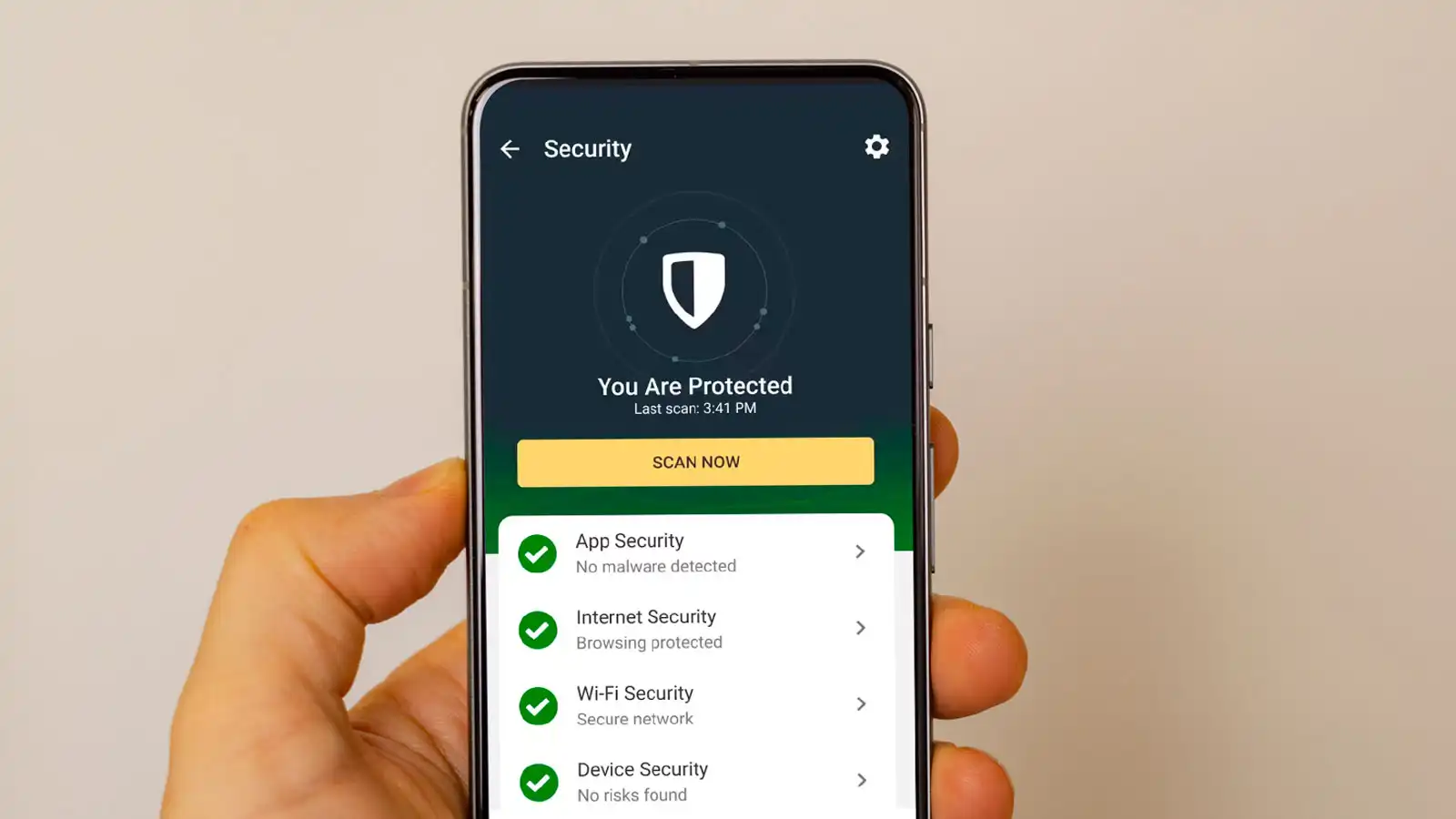
Is an antivirus app genuinely necessary for your Android phone in today’s digital landscape? This question has plagued countless users, leading to a swirl of conflicting advice and genuine confusion. You’ve heard the warnings about malware and security breaches, but you’ve also seen phones lag under the weight of ‘protection’ apps. It’s enough to make anyone wonder: what’s the real story behind Android security?
Key Takeaways
- Google Play Protect provides strong baseline security for most users by scanning billions of apps daily.
- Extra antivirus apps are often unnecessary if you only download from the Google Play Store and practice safe browsing.
- Unneeded antivirus software can slow your phone, drain battery, and add ads, impacting performance negatively.
- Your online behavior, like avoiding shady links, is often more critical than any third-party app.
- Consider an antivirus only if you regularly sideload apps or visit high-risk websites.
Google Play Protect: Your Android’s Digital Guardian
Google Play Protect serves as Android’s robust, built-in security system, actively scanning over 100 billion apps daily for malicious activity both on-device and within the Play Store, offering sufficient protection for the majority of users practicing safe app habits. This powerful tool is Google’s primary defense, working silently in the background. It continuously monitors every app for potential threats, whether installed from the Play Store or elsewhere.
Android apps operate within ‘sandboxes,’ isolated digital containers. Think of these as individual safe rooms; one bad app cannot easily break out to compromise your entire phone’s system or other applications. This fundamental design choice by Google significantly reduces the spread of malware and enhances overall device integrity.
“For the vast majority of Android users, the built-in security features provided by Google, especially Google Play Protect, are robust enough to keep them safe, as long as they practice basic digital hygiene like only downloading apps from the Play Store.” – ESET Security Researcher
Core Security Features Explained
Beyond Play Protect, Android incorporates other critical security layers. Verified Boot ensures your device starts securely, detecting any tampering with the operating system itself. Regular security patches delivered by Google, and often by phone manufacturers, fix vulnerabilities before they can be exploited. Keeping your Android updated is not just about new features; it’s a vital security measure to protect against evolving threats. You can learn more about securing your device in articles like Your Android Has a Flaw. Update Now..
Performance vs. Protection: The Hidden Cost of Unnecessary Antivirus
Many users install third-party antivirus apps hoping for enhanced security, only to encounter unexpected downsides. These apps often consume significant system resources, leading to reduced battery life, slower phone performance, and sometimes even a barrage of intrusive advertisements. This performance trade-off can outweigh any perceived security benefit for the average user.
Here’s how unnecessary antivirus apps can impact your device:
Performance Impact of Unnecessary Antivirus
Impact levels are general observations from user experiences.
Many users echo these sentiments. A Reddit user on r/Android noted, “I tried a free antivirus once, but it just made my phone slow and killed my battery. Uninstalled it after a week and haven’t looked back.” Another forum user shared, “Honestly, I haven’t used an antivirus on my Android in years. As long as I stick to the Play Store and update my phone, I’ve had zero issues.” The lesson is clear: sometimes, less is more when it comes to phone security apps.
Beyond App Scanning: The Real Threats Android Users Face
While antivirus tools focus on malicious apps, many modern threats bypass app-level scanning entirely. Phishing attacks, deceptive SMS scams, and insecure public Wi-Fi networks pose significant risks that traditional antivirus apps often cannot prevent. Your phone’s security is only as strong as your weakest link, and that link is often human behavior.
Cybercriminals constantly evolve their tactics. They might send convincing fake messages or emails designed to steal your login details, a strategy known as phishing. This New Text Scam Is Terrifying highlights how sophisticated these attacks have become. Connecting to untrusted Wi-Fi hotspots also exposes your data, regardless of what apps you have installed.
When an Extra Antivirus Might Actually Help
Despite the strong built-in security, specific user behaviors warrant considering an additional antivirus app. If you frequently download apps from unknown websites (sideloading APKs) or have a history of clicking on many suspicious links, a third-party antivirus could offer an extra layer of detection. These are the scenarios where you are actively bypassing Google’s primary security checks.
For instance, a Quora user recounted, “My friend got malware from a shady game APK, even with an antivirus. I think being careful is way more important than any app.” However, another Reddit user reported, “I downloaded an antivirus after getting weird pop-ups. It found adware and removed it. So, for some people, it definitely helps!” This shows that while caution is paramount, an antivirus can catch what slips through other defenses if you’re venturing into higher-risk digital territories.
User Habits: Your Strongest Defense
No app, no matter how advanced, can replace smart digital habits. Practicing basic digital hygiene consistently is far more effective than relying solely on software, especially for the average Android user. This involves a few key actions:
- Stick to the Google Play Store: This is your safest bet for downloading apps. Play Protect has already screened these apps for known threats.
- Review App Permissions: Before installing any app, check what permissions it requests. Does a flashlight app really need access to your contacts or location?
- Keep Your OS Updated: Timely updates patch security holes. Don’t delay updating your Android operating system and apps. Your Android Is At Risk. Update It. Now. underscores the urgency of this.
- Be Skeptical of Links: Never click on suspicious links in emails, texts, or social media, especially if they promise something too good to be true or demand urgent action.
- Use Strong, Unique Passwords: A password manager can help you create and remember complex passwords for all your accounts.
Antivirus Apps: Are They Still Worth the Trade-Off?
The landscape of Android security has drastically changed. Google’s persistent investment in enhancing Android’s core architecture, from sandboxing to strict Play Store guidelines, has significantly reduced the universal ‘need’ for external antivirus solutions. While third-party antivirus apps can offer specific, advanced scanning features and sometimes VPN integration, their impact on battery life and system performance often outweighs these benefits for users who aren’t regularly sideloading apps or visiting inherently risky websites.
Expert cybersecurity analysts frequently observe that the marginal security gain for most users does not justify the performance overhead. The industry consensus is leaning towards built-in defenses and user education as the primary lines of protection. This means for most Android users, the best strategy is to embrace Google Play Protect and cultivate vigilant digital habits.
Frequently Asked Questions
Does Google Play Protect really work?
Yes, Google Play Protect is highly effective for most Android users. It continually scans apps on your device and in the Google Play Store, identifying and removing harmful software. Its effectiveness is rooted in Google’s vast threat intelligence and continuous updates.
Can sideloading apps be safe without an antivirus?
Sideloading apps, or installing them from outside the Google Play Store, inherently carries more risk. While it can be done safely if you trust the source completely, it is generally recommended to use an antivirus if you regularly engage in sideloading to catch potential threats that Play Protect might not scan on third-party sources.
What about free antivirus apps?
Many free antivirus apps come with hidden costs, such as excessive ads, data collection, or significant performance impact (battery drain, slowdowns). While some offer basic scanning, they often provide minimal additional security over Google Play Protect while degrading your user experience. Evaluate their true value carefully.
The Final Verdict: Your Android Is Likely Safe Without Extra Software
For the vast majority of Android users, the answer is clear: you likely do not need an additional antivirus app. Google’s built-in security, powered by Play Protect and a robust system architecture, provides a formidable defense against threats. Your best protection isn’t another app; it’s smart, informed online behavior. Focus on downloading from trusted sources, keeping your software updated, and being wary of suspicious links. These habits will serve you far better than any third-party solution struggling for relevance on a modern, secure Android device.