Smartphone reviews, tips, news, guides, and updates for Android & iPhone.

Android’s New 24-Hour Lock on Sideloading
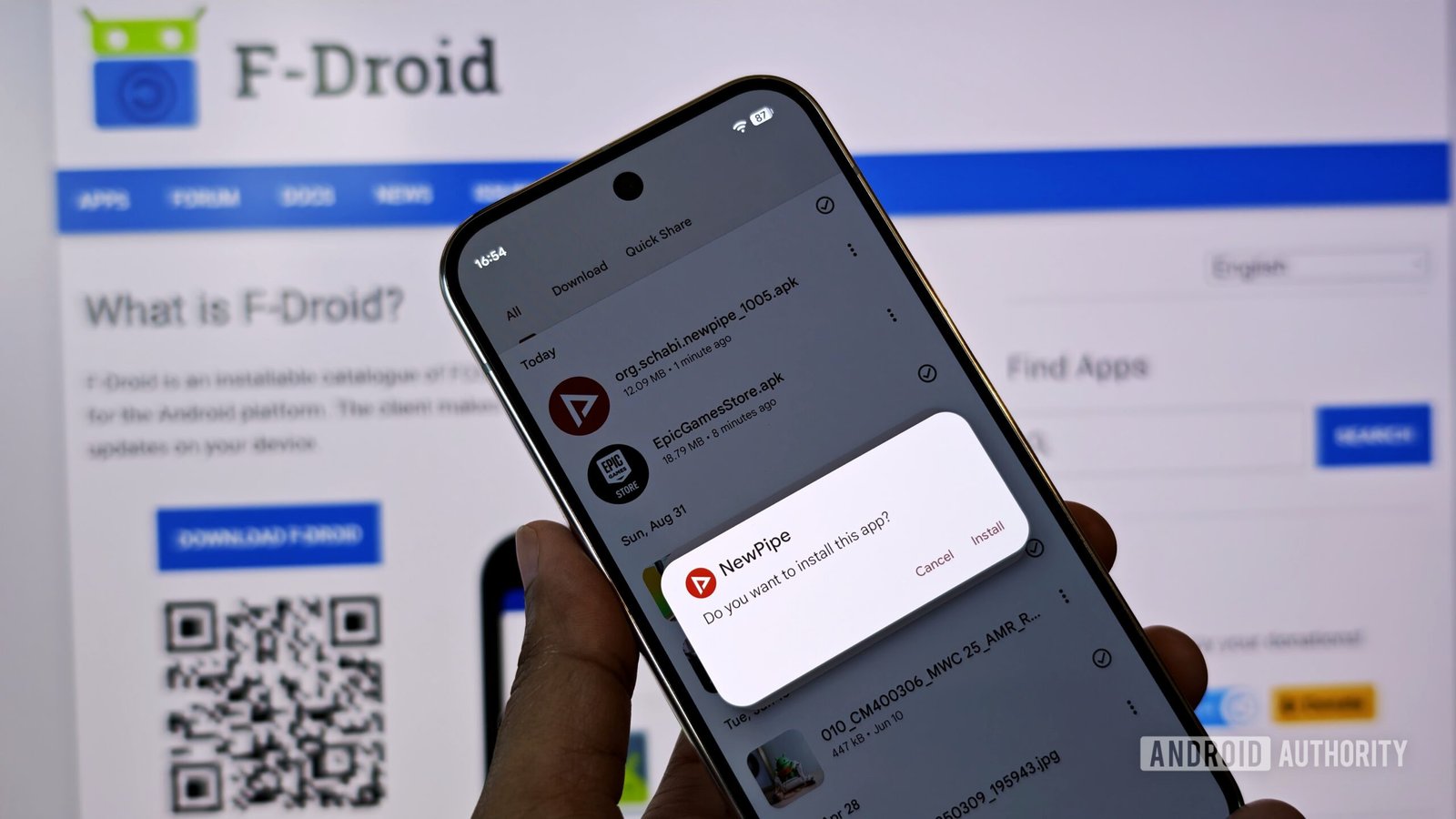
Google is fundamentally changing the rules for installing apps from outside the Play Store on your Android phone. For those who enjoy the freedom of sideloading, get ready for a major slowdown, as a mandatory 24-hour waiting period is about to become your new reality.
At a Glance
- 24-Hour Wait: You must wait a full day to install apps from developers not verified by Google.
- Scam Protection: The system is designed to stop scammers who trick people into quickly installing malicious apps.
- Power Users Targeted: This new, tedious process only affects users who manually install APKs, not those using the Play Store.
Why Google Is Forcing This Change
Google is implementing a 24-hour lock and a multi-step process for sideloaded apps from unverified sources. This is designed to stop scammers who trick users into quickly installing malicious software by creating a mandatory cooling-off period and breaking the cycle of urgency.
Google’s logic is simple: Android is the main computer for billions of people, and security has to come first. The company says attackers often use panic-inducing phone calls, pretending there's a family emergency or legal trouble, to walk victims through installing harmful apps. Many people want to know if your smartphone is hacked, and this is one way it happens.
The old warning screens were too easy to ignore in a high-pressure situation. This new system forces a pause. The phone restart cuts off scammers watching your screen, and the 24-hour delay kills the false urgency they rely on. It’s a drastic step to protect the massive user base in markets with explosive smartphone growth.
What This New Process Looks Like
To install an unverified app, you will need to enable a special setting, restart your phone, wait a full 24 hours, and then manually confirm the installation again. This deliberately slow process is designed to prevent impulsive or coerced installations of harmful apps.
This isn't a simple tap-through process anymore. Google has designed it to be intentionally annoying to ensure you are absolutely certain about the installation. For most everyday users who stick to the Play Store on their Vivo or Xiaomi phones, nothing will change.
| Old Sideloading Method | New Sideloading Method (Unverified Apps) |
|---|---|
| 1. Find the APK file. | 1. Enable Advanced Flow. |
| 2. Tap to install. | 2. Restart your phone. |
| 3. Approve a warning. | 3. Wait 24 hours. |
| 4. App installs instantly. | 4. Return to confirm the installation. |
Understanding "Unverified" Developers
This entire system hinges on whether an app's developer has verified their identity with Google. The goal is to tie every app to a real, known developer, making it harder for bad actors to hide.
This doesn't mean an unverified app is dangerous, only that Google doesn't know who made it. There are exceptions; small projects for students or hobbyists can still be shared with up to 20 people without full verification. However, this is a clear push to get more developers officially registered, similar to how Apple handles security updates to maintain a controlled ecosystem.
Our Final Opinion
This is a necessary, if painful, step for Android's growth. For the tech enthusiasts who loved Android for its openness, this feels like a door slamming shut. The freedom to install anything, anytime, was a core part of the Android identity.
However, that was a different era. Today, our phones hold our entire lives—from banking details to private family photos. In countries like Bangladesh, where digital literacy varies widely, phone-based scams are a massive problem. This 24-hour lock is a powerful tool against fraudsters.
Here’s the bottom line:
- For most users: This is a fantastic security upgrade you'll never see but will definitely benefit from.
- For power users: It's an annoying but understandable restriction. Google says it worked with power users to find a delay that was irritating but not a complete deal-breaker.
The real question is whether this will encourage more developers to get verified or simply push the most dedicated enthusiasts to find workarounds. Google is betting on the former, choosing mass-market safety over niche-market freedom. It's a tough pill to swallow, but probably the right one.
News & image source: Android Authority