Smartphone reviews, tips, news, guides, and updates for Android & iPhone.

Apple’s Lockdown Mode: Truly Unhackable?
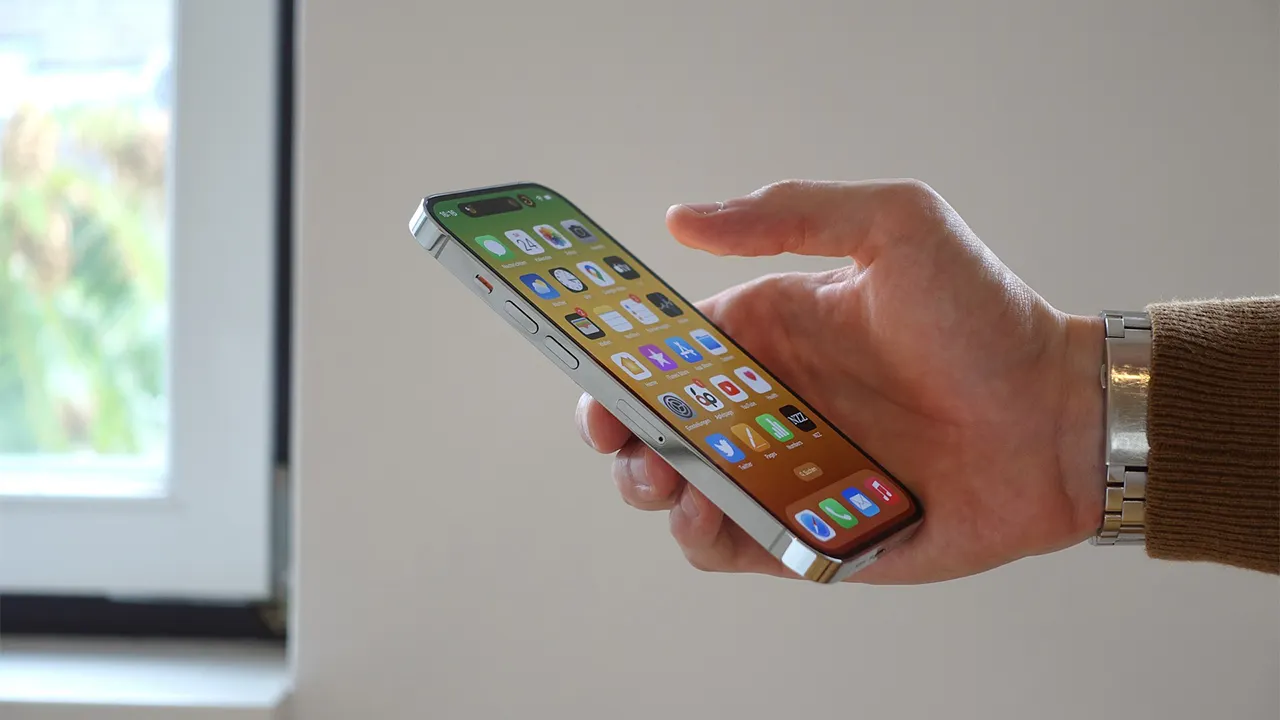
In an age where sophisticated spyware can turn your phone into a spy, Apple has made a bold declaration: its ultra-secure Lockdown Mode has never been compromised. For many users in Bangladesh and worldwide, this claim might sound too good to be true, raising immediate skepticism about whether any software can be a perfect digital fortress.
Key Points
- Unbeaten Record: Apple officially states it is unaware of any successful spyware attack on an iPhone with Lockdown Mode enabled.
- Extreme Restrictions: The mode severely limits your iPhone’s functions, blocking most message attachments, certain web technologies, and connections to accessories.
- Niche Audience: This feature isn’t for everyone. It’s designed for individuals at high risk of targeted cyberattacks, such as journalists, activists, and politicians.
Understanding Lockdown Mode’s Purpose
This is an optional, extreme security setting that drastically reduces your iPhone’s functionality to minimize potential entry points for highly sophisticated spyware. It’s not antivirus; it’s a digital panic room for your device, designed to protect against threats far more advanced than common viruses or scams.
Most people will never be the target of such an attack. But for those who are, Lockdown Mode creates a much smaller target. The common mistake is thinking this mode makes you invincible to all threats; it is specifically designed to thwart complex spyware like Pegasus. It won’t stop you from falling for a phishing scam, for example.
| Feature | Standard Mode | Lockdown Mode |
|---|---|---|
| Message Attachments | Most file types are allowed | Only images are allowed |
| Web Browsing | All features enabled | Complex web tech is blocked |
| Unknown FaceTime Calls | Allowed to come through | Blocked by default |
| Wired Connections | Work automatically | Blocked when iPhone is locked |
An Unbreakable Fortress or Just Marketing?
Apple’s claim that Lockdown Mode has never been breached is currently backed by independent security analysts. The statement comes from Apple spokesperson Sarah O’Rourke, who told TechCrunch, “We are not aware of any successful mercenary spyware attacks against a Lockdown Mode-enabled Apple device.”
This is reassuring, as security experts have seen evidence of this mode successfully blocking known spyware campaigns. The battle is ongoing, as attackers constantly develop new methods, including new phone malware that uses AI to attack you. While no one can guarantee 100% security forever, Lockdown Mode’s track record so far is impressive and serves as a powerful deterrent.
How to Activate Your iPhone’s Panic Room
You can enable Lockdown Mode by going to your iPhone’s Settings, tapping ‘Privacy & Security,’ and scrolling to the bottom to select ‘Lockdown Mode.’ The process is straightforward, but be prepared for the trade-offs.
Activating the mode requires your iPhone to restart. Once active, some apps and features will function differently or not at all. For instance, shared albums might disappear from the Photos app, and you can’t install new configuration profiles. You can turn it off anytime, but it will require another restart.
Frequently Asked Questions
1. Is Lockdown Mode necessary for the average user?
No. It’s specifically for individuals who believe they might be personally targeted by advanced spyware due to their profession or activism.
2. Will Lockdown Mode slow down my iPhone?
It shouldn’t affect the phone’s speed, but it will severely limit its features, which may make your daily usage feel less convenient.
3. Is this feature available on other Apple devices?
Yes, Lockdown Mode is available on iPadOS and macOS, but you must enable it separately on each device.
Our Final Opinion
Lockdown Mode is less of a feature and more of a statement. It’s Apple’s acknowledgment of a dangerous digital world where certain individuals need a level of protection far beyond the norm.
For the average user, this is an interesting but unnecessary tool. Your focus should be on standard security practices like using strong passwords and recognizing phishing attempts.
However, for journalists, human rights lawyers, or political dissidents, this feature is a potential lifeline. It provides a layer of defense that was once only available to government agencies. The existence of this mode confirms a harsh reality: for some people, your phone’s security is a myth in 2026.
Ultimately, offering this feature for free is a commendable move by Apple, solidifying its reputation for prioritizing user privacy and security—a key differentiator in the ongoing iPhone vs. Android debate.