Smartphone reviews, tips, news, guides, and updates for Android & iPhone.

Pixel 10 Gets a Gemini AI That Taps Your Screen For You—Hands-Free Ordering Arrives
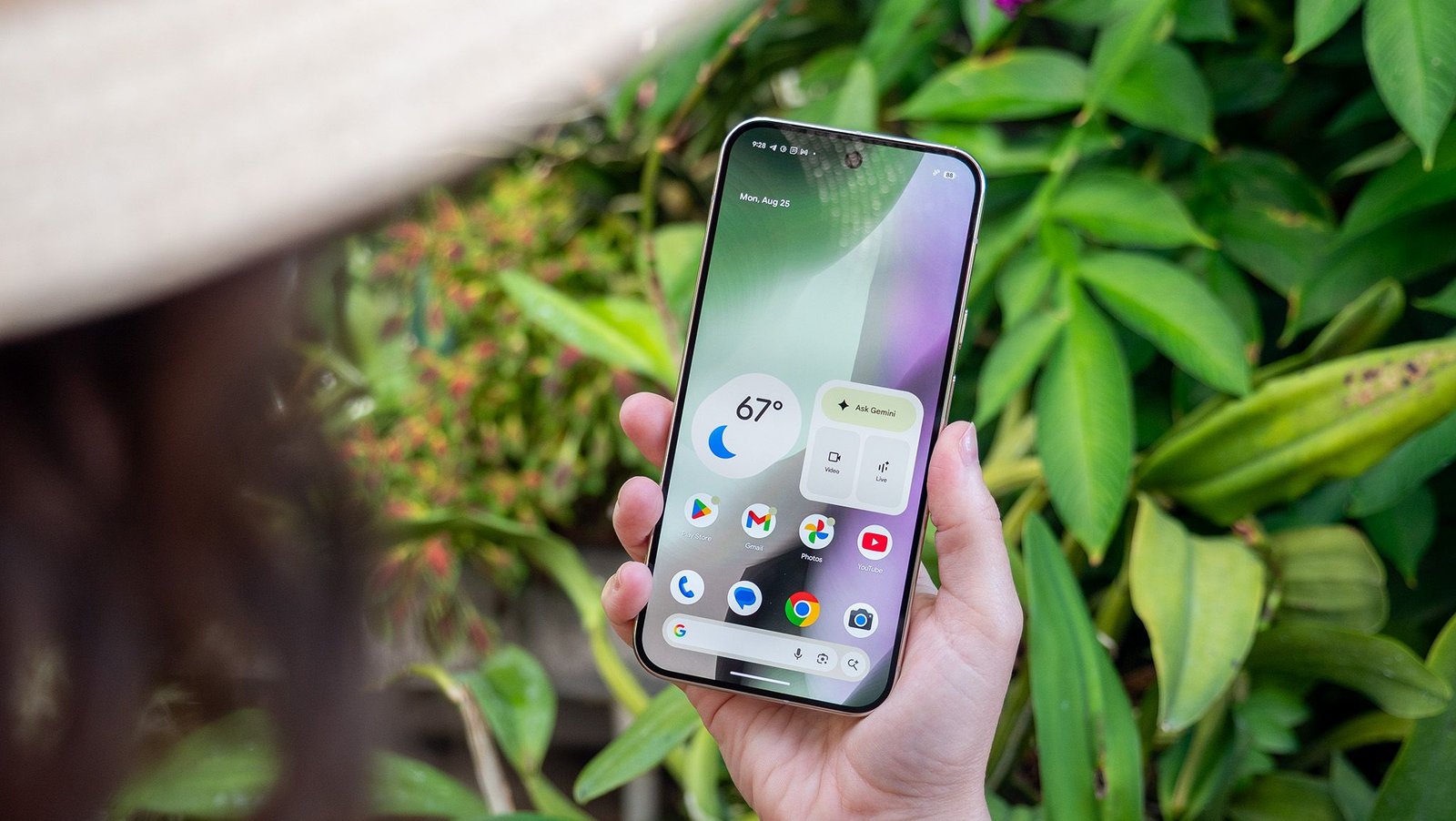
Google's Pixel 10 series is receiving a groundbreaking Gemini feature that allows the AI to operate apps on your behalf, effectively turning voice commands into on-screen actions. This powerful screen automation technology, initially showcased with Samsung, is now making its way to Pixel owners in the United States, promising a new level of hands-free convenience.
At a Glance
- Feature Rollout: Gemini's screen automation is now available on the entire Google Pixel 10 lineup in the U.S., including the Pixel 10, 10 Pro, 10 Pro XL, and the Pixel 10 Pro Fold.
- Core Functionality: The AI can autonomously navigate and interact with supported apps to perform tasks like ordering food, hailing a ride, or buying groceries.
- Current Status: The feature requires Android 16 QPR3 and is limited to select apps and regions, with usage caps tied to Gemini subscription tiers.
Understanding Gemini Screen Automation
Gemini Screen Automation is an advanced AI capability that takes direct control of your phone's interface to execute complex, multi-step tasks. It navigates app menus, taps buttons, and fills in details to complete requests like ordering from Starbucks or hailing an Uber without your manual input.
Think of it as having a personal assistant who can physically use your phone for you. After activating Gemini with a voice command or a long-press of the power button, you simply state your request. The AI then opens the relevant app and performs the necessary steps inside a virtual window, showing you its progress in real-time.
This technology first turned heads when it was demonstrated alongside the Samsung Galaxy S26 Ultra at the Galaxy Unpacked event in February 2026. While Samsung devices were the first to receive it, its arrival on the Pixel line marks a significant expansion of what Google considers the future of AI assistants.
Crucially, you remain in complete control. You can take over from the AI at any point during the process, and Gemini will always ask for your final confirmation before completing a purchase or booking.
How to Activate and Use This AI Assistant
You can trigger Gemini's screen automation using the same methods for accessing the standard AI: by long-pressing the power button or using the "Hey Google" wake word. Once active, just give your command, and the AI will begin navigating the app on-screen.
For example, you could say, "Hey Google, order me a large black coffee from Starbucks." Gemini will then open the Starbucks app, navigate to the coffee menu, select the item and size, and proceed to checkout, only pausing to ask for clarification if needed, such as confirming the store location.
The feature is located within the Gemini app's settings under "Screen automation." It’s designed to be intuitive, transforming a complex series of taps and swipes into a single, simple voice instruction.
Supported Devices, Apps, and Limitations
This feature is currently exclusive to the U.S. on the Pixel 10, 10 Pro, 10 Pro XL, and Pixel 10 Pro Fold models running the latest Android 16 QPR3 stable build. App compatibility is limited to major ride-sharing and food delivery services for now.
The expansion to different models, including the advanced Pixel 10 Pro Fold, shows Google's commitment to making this a core experience across its hardware, especially as foldable phones become more mainstream. However, there are clear boundaries on its use.
For now, the list of supported apps is small but focused on high-utility services:
| Category | Supported Apps |
|---|---|
| Ride-Sharing | Lyft, Uber |
| Food & Grocery | Uber Eats, Grubhub |
| Delivery | DoorDash |
| Quick Service | Starbucks |
Usage is also tiered based on your Gemini subscription. This system encourages users who rely heavily on the feature to subscribe to a premium plan.
| Subscription Tier | Daily Request Limit |
|---|---|
| Free User | ~5 Requests |
| Gemini Ultra | Up to 120 Requests |
Google has not yet announced a timeline for a wider global rollout, including to markets like Bangladesh.
Broader Impact on Smartphone AI
This launch represents a significant evolution from basic voice assistants to true "agentic AI" that can intelligently interact with existing digital interfaces. It is fundamentally your phone's next big trick, transforming the device into a proactive assistant capable of executing complex, real-world tasks.
Past AI assistants were largely limited to fetching information or performing simple, pre-programmed actions like setting a timer. This new capability allows the AI to understand and navigate graphical user interfaces that were built for humans, a far more complex and dynamic challenge.
As described by Android Central's editor Nick Sutrich, who tested it on a Galaxy device, this is "next level automation." It signals a future where your primary interaction with your phone is not through tapping but through conversation, with the AI handling the tedious manual steps in the background.
News Analysis Report
The rollout of Gemini's screen automation on Pixel 10 is more than just a new feature; it's a strategic move by Google to redefine the smart in a smartphone. This technology, often called "agentic AI," aims to turn your phone from a collection of apps you operate into a single, intelligent agent that operates them for you.
The Technical Hurdle
- UI Interpretation: The core challenge Gemini solves is understanding the visual layout of third-party apps. It must identify buttons, menus, and text fields without a direct API, essentially "seeing" the screen like a human does.
- Adaptability: Apps update their UIs constantly. Google's AI model must be robust enough to adapt to these changes without breaking, which is a monumental engineering feat.
Security and Trust
This level of device control introduces valid concerns. Users must trust the AI not to make mistakes, especially with payment information. The step-by-step visual feedback and final user confirmation are critical for building this trust. However, any error could lead to significant user backlash and highlights potential AI-related risks that must be carefully managed.
The Competitive Landscape
With this launch, Google takes a tangible lead over Apple's Siri in practical, task-oriented AI. While competitors have focused on conversational intelligence, Google is pushing into actionable intelligence. This pressures other companies to move beyond simple voice commands and develop AI that can truly do things for the user within the existing app ecosystem.
Editorial Opinion
Gemini's screen automation isn't a gimmick; it's a glimpse into the inevitable future of personal computing. The friction of navigating multiple apps to complete a single goal—like planning a dinner and a movie—is a problem waiting to be solved by AI. This is the first meaningful step in that direction.
For users in Bangladesh, this technology remains a distant promise. However, its potential is immense. Imagine telling your phone, "Book a Pathao to Gulshan 1 and order a large pizza from Pizza Hut to arrive when I do." The AI would coordinate both apps, timing the delivery with your arrival, a task that currently requires significant manual effort.
The real test will be expansion. For this feature to be truly revolutionary, Google must rapidly grow the list of supported apps and, more importantly, bring it to international markets. The current U.S.-only, limited-app version is a powerful proof-of-concept. The day it can seamlessly navigate local apps like bKash, Daraz, or Foodpanda is the day it will change how we use our phones forever.
News & image source: Android Central